'/%3e%3crect%20x='0'%20y='0'%20width='200'%20height='100'%20rx='44'%20fill='%23FFFFFF'%20opacity='0.05'/%3e%3cpath%20d='M66%2042%20h68%20a20%2020%200%200%201%2020%2020%20v46%20a20%2020%200%200%201%20-20%2020%20h-46%20l-24%2021%20v-21%20h2%20a20%2020%200%200%201%20-20-20%20v-46%20a20%2020%200%200%201%2020-20%20z'%20fill='%23FFFFFF'/%3e%3cpath%20d='M74%2087%20L94%20107%20L132%2065'%20fill='none'%20stroke='url(%23check)'%20stroke-width='13'%20stroke-linecap='round'%20stroke-linejoin='round'/%3e%3c/svg%3e)
Video interviews are no longer a pandemic workaround — they're the default first round (and often the only round) for a huge share of hiring. And they're a distinct skill: candidates who are excellent in person routinely underperform on camera because of setup mistakes, dead-eyed eye contact, or energy that doesn't carry through a webcam.
Here are the video interview tips that actually move the needle, from setup to delivery to the mistakes that quietly cost people offers.
Get the technical setup right (the day before, not 5 minutes before)
- Camera at eye level. A laptop camera looking up your nose is the most common and most fixable mistake. Stack the laptop on books until the lens is level with your eyes.
- Light your face from the front. Sit facing a window or a lamp. A bright window *behind* you turns you into a silhouette.
- Test your audio. Sound quality affects perceived competence more than video quality. Use wired earphones or a headset if your laptop mic echoes; record 10 seconds and play it back.
- Wired internet or best Wi-Fi spot. If your connection is shaky, close every other app and video stream in the house.
- Frame yourself from mid-chest up, centered, with a little space above your head. Not a distant full-body shot, not a forehead close-up.
- Do a full dress rehearsal on the same platform (Zoom, Teams, Meet) the interview will use — camera, mic, screen name, and virtual background rules all differ.
Control your environment
- Neutral, tidy background beats a virtual background, which flickers and halos. If your room is chaotic, a plain wall is perfect.
- Kill the interruptions: phone on silent and out of reach, notifications off, door closed, housemates warned, pets elsewhere.
- Dress fully and professionally — matching the company's level of formality, top *and* bottom. You may need to stand up.
- Have water, your resume, the job description, and brief notes just off-camera. Glanceable bullet points are fine; reading paragraphs is obvious and deadly.
Master on-camera body language
- Look at the camera lens when speaking, not the screen. This is the single hardest habit and the one that creates "eye contact." Trick: shrink the interviewer's video window and drag it directly under your camera.
- Sit upright, slightly forward. Leaning back reads as disengaged on camera even when it wouldn't in person.
- Raise your energy about 20%. Webcams flatten enthusiasm. What feels slightly too animated to you looks appropriately engaged on screen.
- Nod and react visibly while listening. On video, a neutral listening face reads as boredom.
- Keep hands visible and gestures small. Natural gestures within the frame add life; big ones look chaotic.
Handle video-specific conversation dynamics
- Pause a beat before answering. Audio lag makes interruptions more likely; a one-second pause prevents talking over your interviewer and makes you look thoughtful.
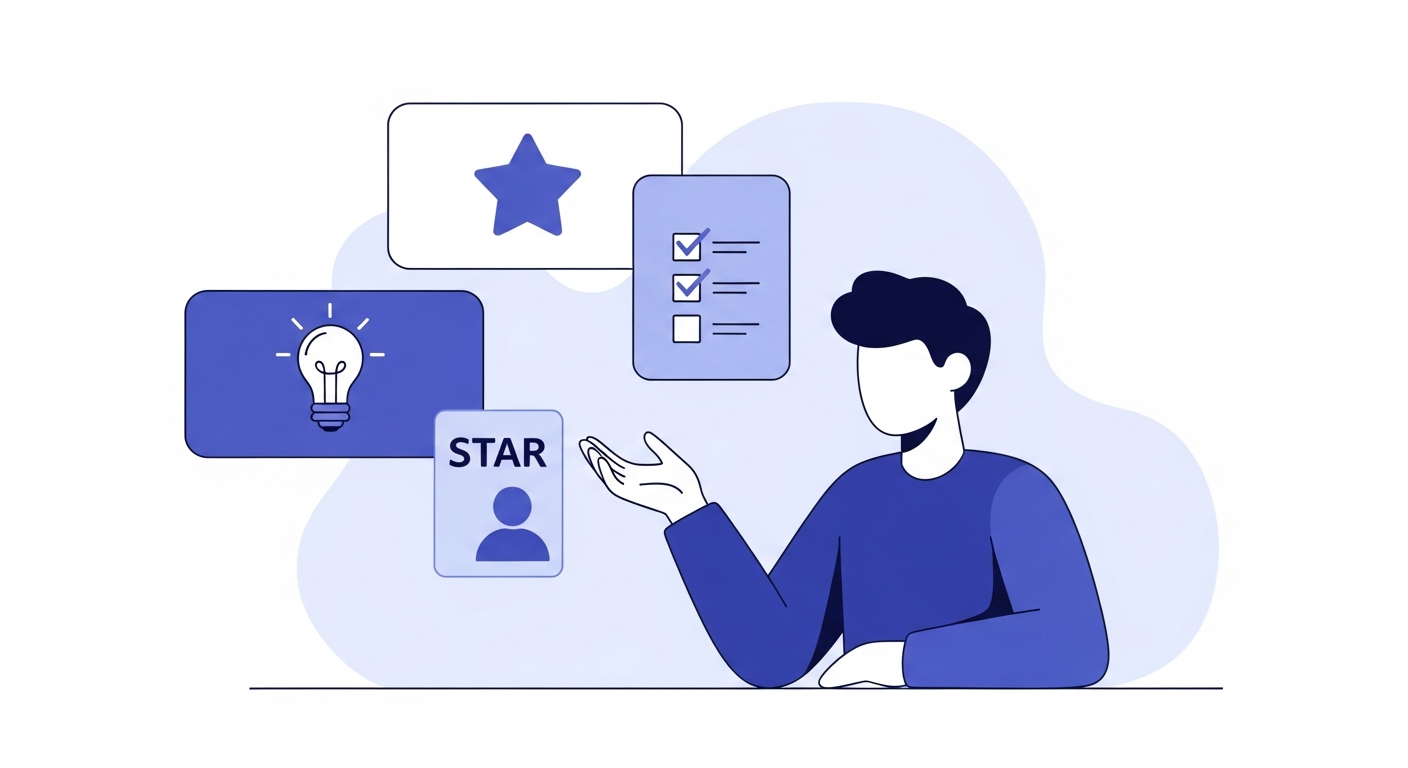
- Keep answers a touch tighter than in person. Attention drifts faster on video. Aim for 60–90 seconds per answer, structured (use the STAR method for behavioral questions).
- If tech fails, stay calm — it's a test too. Have the interviewer's phone number or email at hand, and a one-line recovery script: "Apologies, my connection dropped — where were we?"
- Close like it's in person: ask your prepared questions, restate your interest, and thank them by name.
The mistakes that quietly cost offers
1. Reading answers off the screen. Interviewers can see your eyes tracking lines of text. Notes should be triggers, not scripts.
2. Joining exactly on time. Join 3–5 minutes early; scrambling in late to a video call starts you in a hole.
3. Monotone delivery. Flat vocal energy is the top feedback video interviewers give. Vary pace and emphasis deliberately.
4. Ignoring the camera during introductions. First impressions form in seconds — nail lens eye contact for your opening "tell me about yourself."
5. Forgetting you're always on camera. Between questions, while "listening", during their long explanation — you're visible the whole time.
The only reliable way to know how you look: record yourself
Almost nobody has an accurate picture of their own on-camera presence. The fastest improvement loop is: do a realistic mock video interview, watch the recording, fix the top one or two issues, repeat.
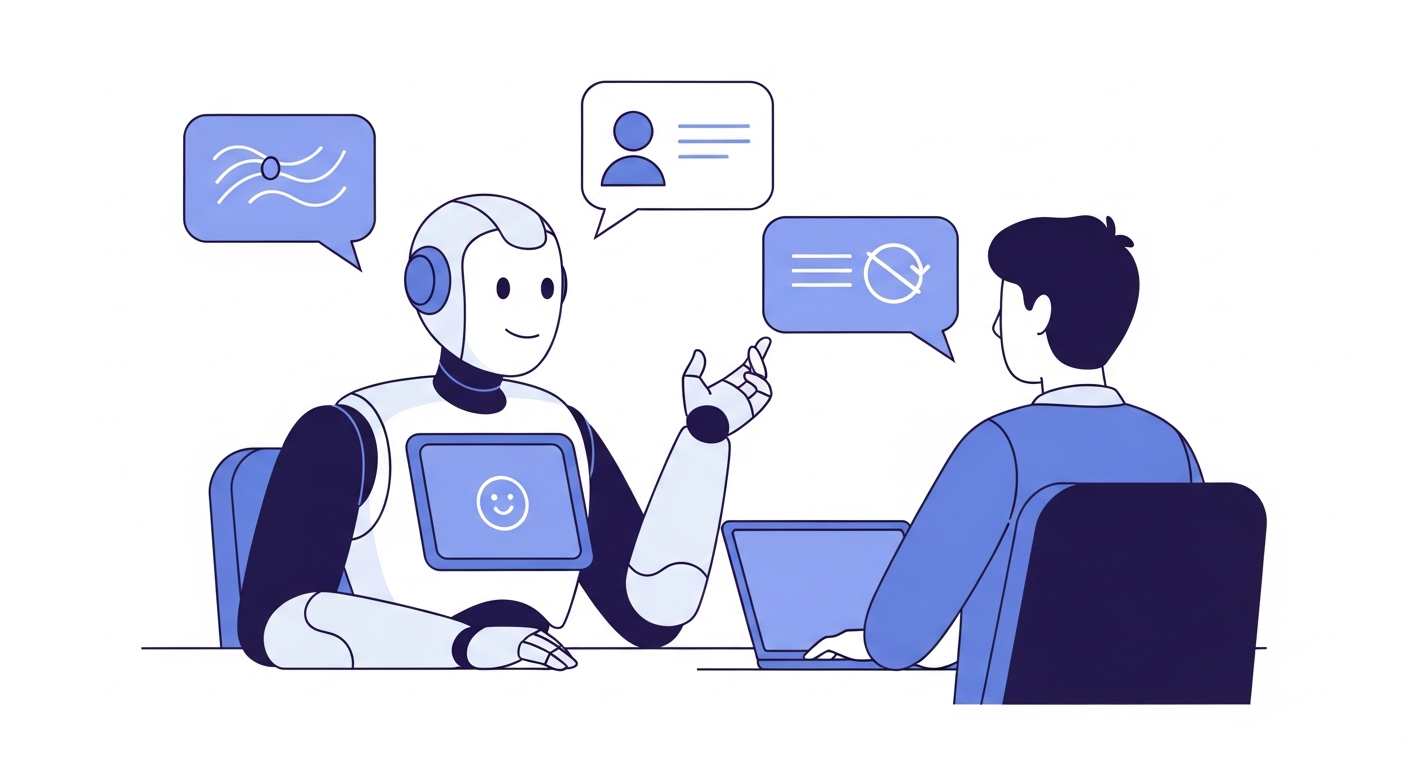
Botreadyme runs realistic voice interviews generated from your actual job description and can record your video while you answer, then gives you a scored feedback report on your content and delivery. Practicing on camera before the real thing is the closest thing to a cheat code for video interviews — and your first 30 minutes are free.
Ready to practice for real?
Paste your job description, upload your resume, and take a live AI mock interview with detailed feedback. Your first 30 minutes are free.
Start Practicing Free